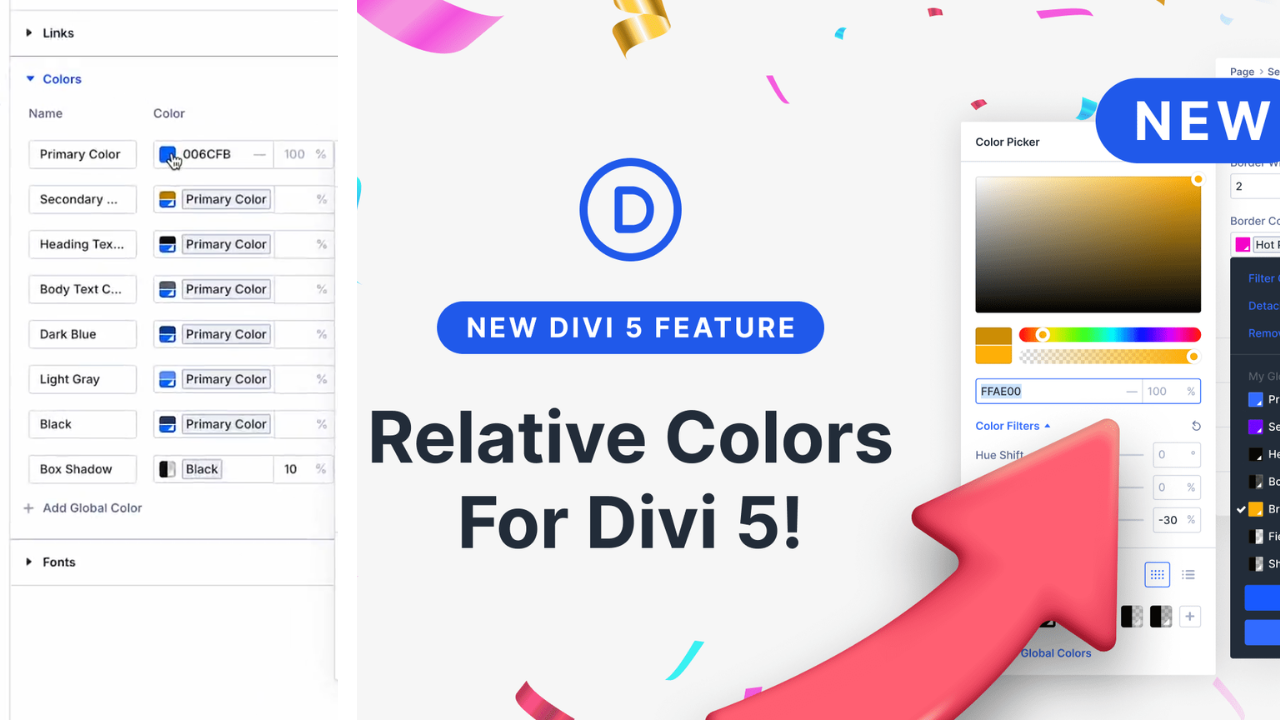
Divi 5 Relative Colors & HSL Explained – Complete Guide for WordPress Users
Divi 5 Relative Colors are one of the biggest and most practical improvements in the Divi 5 Update. If you work with WordPress regularly — as a freelancer, agency owner, or theme builder user — this new Divi 5 Color System will completely change how you manage colors on your website. Earlier, designers had to manage colors using hex codes or static global colors manually. Now, with Relative Colors in Divi 5 and the powerful HSL Color System, color management has become smarter, faster, and future-ready.
What Are Relative Colors in Divi 5?
Relative Colors in Divi 5 allow you to create colors that depend on a base color. Instead of choosing fixed values, you define color relationships. When the base color changes, all related colors update automatically.
For example, you can set one primary brand color and generate:
- Darker shades for headings
- Lighter shades for backgrounds
- Accent colors by shifting hue
- Muted tones by adjusting saturation
This approach makes the Divi 5 Theme Builder much more flexible, especially for large websites and client projects.
Understanding Divi 5 HSL (Hue, Saturation, Lightness)
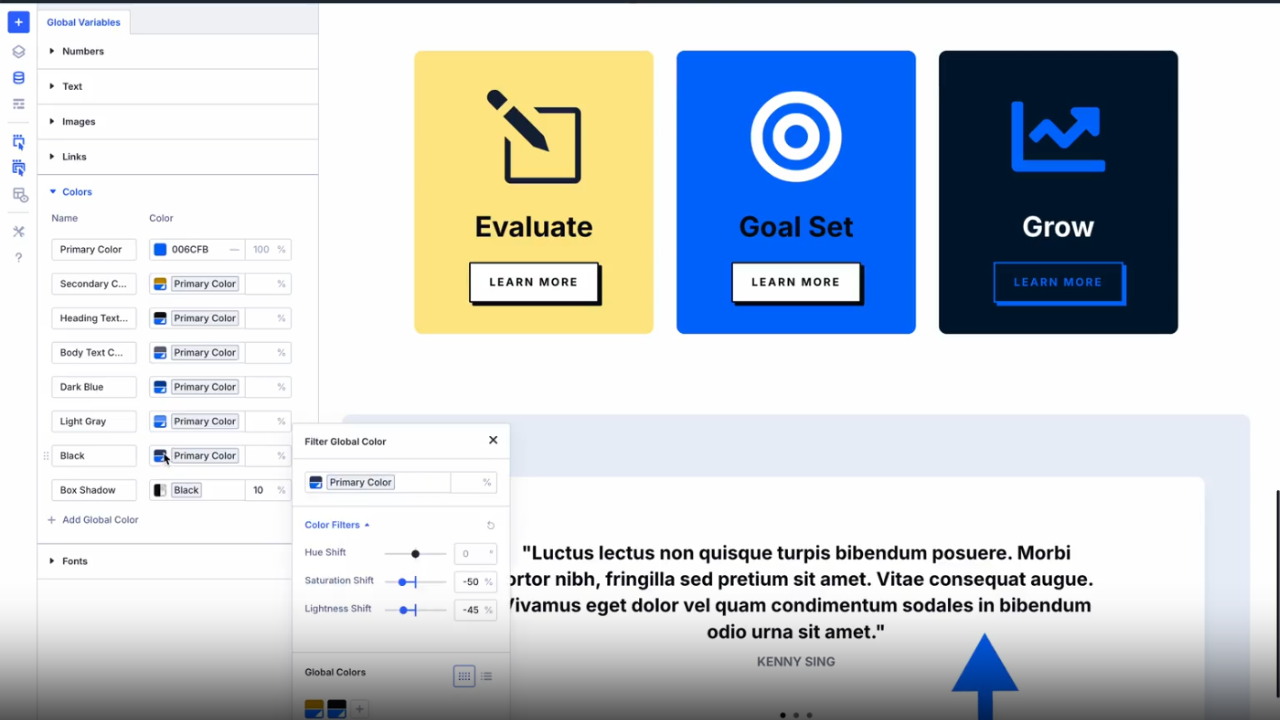
The Divi 5 HSL system is based on three simple values:
- Hue – the actual color (red, blue, green, etc.)
- Saturation – how strong or dull the color is
- Lightness – how light or dark the color appears
Compared to RGB or hex codes, the HSL Color System is much easier to understand. Even beginners can visually control contrast, brightness, and vibrancy without guessing numbers. The new Divi 5 Color Picker gives you real-time previews,
making design decisions faster and more accurate.
Divi 5 Design Variables & Divi 5 Global Colors
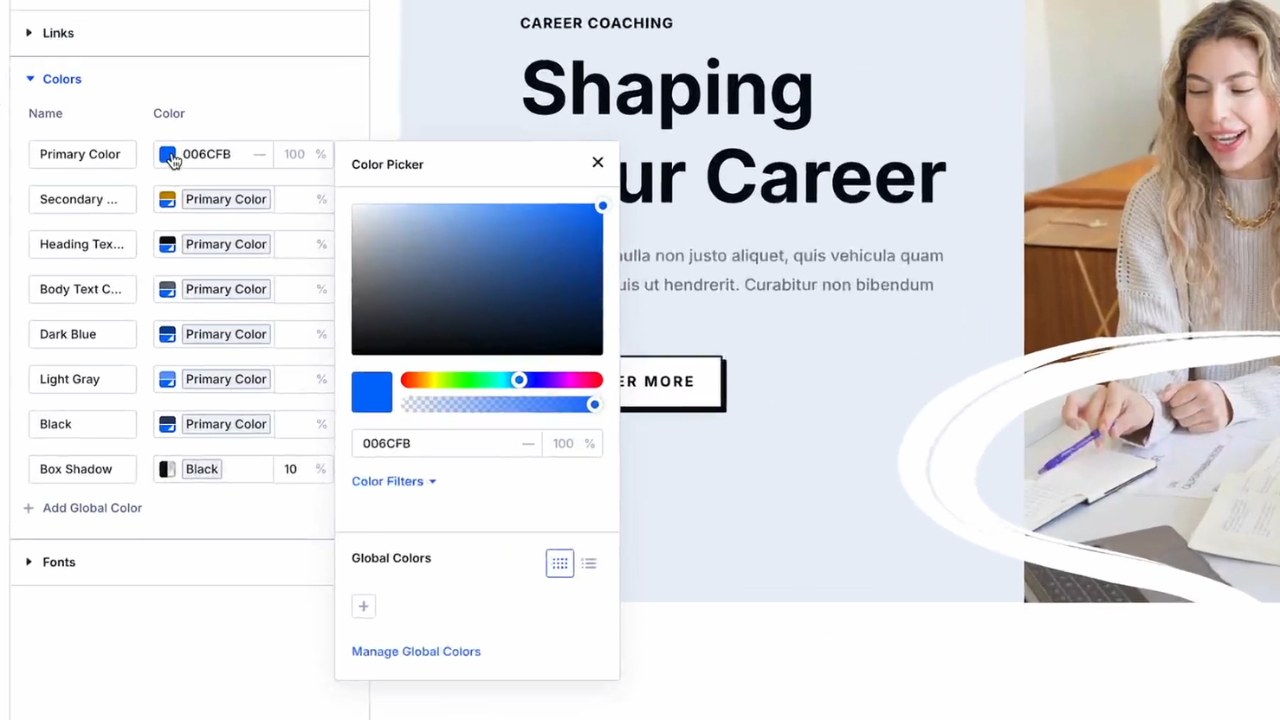
The real power of the Divi 5 Color System comes from Divi 5 Design Variables. These allow you to define global color values once and reuse them everywhere.
With Divi 5 Global Colors, you can:
- Maintain consistent branding across pages
- Update colors site-wide instantly
- Create reusable design systems
- Reduce repetitive manual work
This is especially useful for agencies managing multiple client websites using the Divi Theme Builder.
Real-World Benefits of the Divi 5 Color System
The new Divi 5 Color System is not just about looks — it improves real workflows:
- Create hover and active states easily
- Build light and dark mode designs
- Improve accessibility using contrast control
- Speed up redesigns and rebranding
Whether you are building landing pages or full websites, the Divi 5 Update makes professional design achievable without writing custom CSS.
Why Divi 5 Relative Colors Are a Game Changer
With Divi 5 Relative Colors and Divi 5 HSL,
Divi now matches modern tools like Figma and CSS variables — but in a visual, no-code way. This feature alone makes Divi 5 New Features worth upgrading for designers, developers, and WordPress professionals. Once you start using Relative Colors in Divi 5, Managing colors manually will feel outdated.